Overview
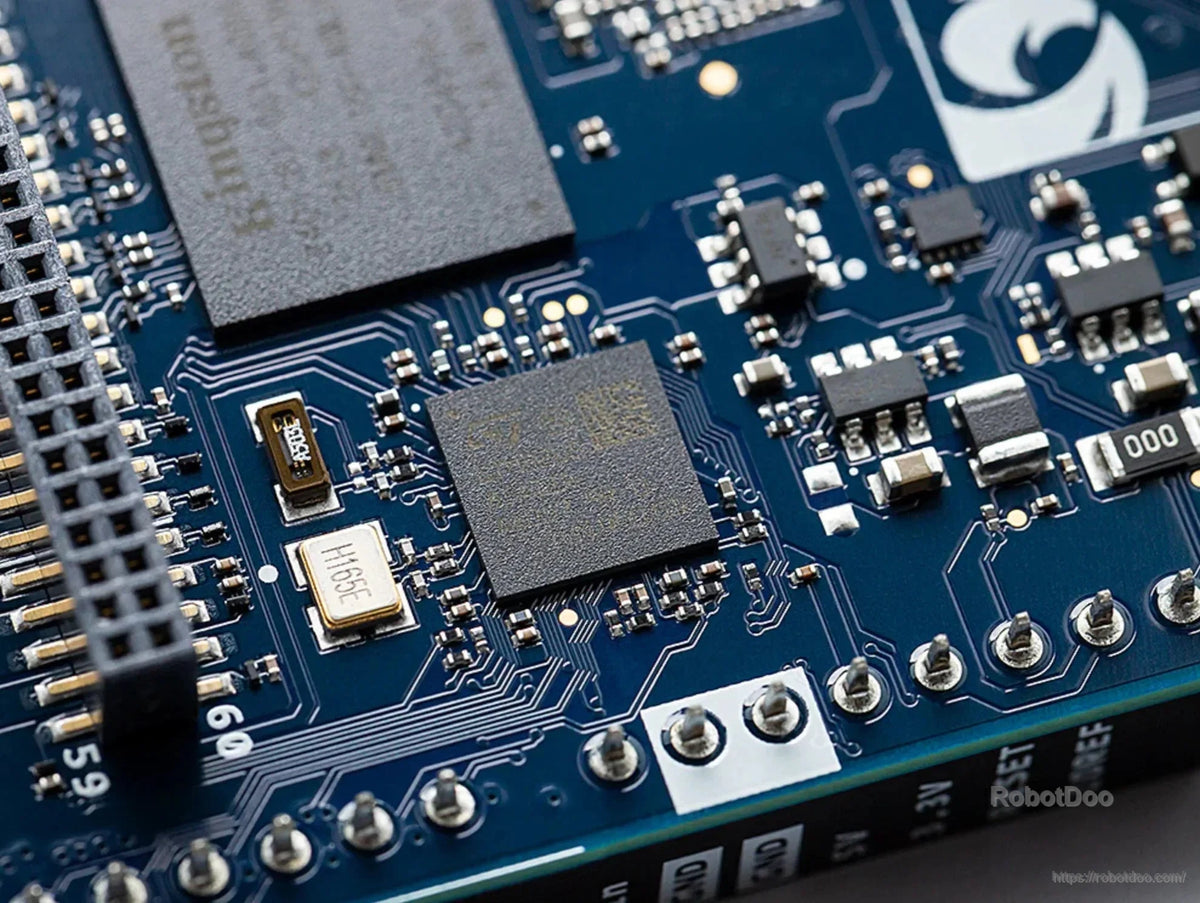
The Arduino UNO Q 2GB development board combines a Qualcomm Dragonwing QRB2210 microprocessor with a real-time, low-power STM32U585 microcontroller. This dual-processor platform supports Arduino sketches, Python scripts, and Linux Debian development for robotics, IoT, and memory-optimized TinyML projects.
With 2 GB LPDDR4 RAM and 16 GB built-in eMMC storage, it is suited to projects running a primary application, basic network services, and lightweight edge AI workloads. The QRB2210 provides a quad-core 2.0 GHz CPU, Adreno GPU, 2 x ISP, and camera, display, and audio support.
Key Features
- Qualcomm Dragonwing QRB2210 microprocessor and STM32U585 real-time microcontroller
- Arduino UNO header layout for compatible shields, plus high-speed headers for vision, audio, and display peripherals
- Dual-band Wi-Fi 5 and Bluetooth 5.1 connectivity
- 8 x 13 LED matrix for visual feedback
- USB-C connector for power delivery, video output, and USB peripherals via a dongle
- Qwiic connector for Modulino nodes and third-party modules
- Arduino App Lab environment for integrating Arduino sketches, Python scripts, and containerized AI models
Specifications
| Microprocessor | Qualcomm Dragonwing QRB2210 |
| Microcontroller | STM32U585 real-time, low-power MCU |
| CPU | Quad-core 2.0 GHz |
| GPU | Adreno GPU |
| Image signal processors | 2 x ISP |
| RAM | 2 GB LPDDR4 |
| Built-in storage | 16 GB eMMC |
| Wireless connectivity | Dual-band Wi-Fi 5 (2.4/5 GHz), Bluetooth 5.1 |
| LED matrix | 8 x 13 |
| Connectors and headers | USB-C, Qwiic, classic UNO headers, high-speed headers |
| Operating system | Linux Debian |
Development Environment
Arduino App Lab is preloaded and provides a unified interface for Linux and real-time development. It supports Arduino sketches, Python scripts, containerized AI models, ready-to-use Arduino Apps, and pre-built Bricks. Available model capabilities include object detection, anomaly detection, image classification, sound recognition, and keyword spotting.
For product assistance, contact RobotDoo.
Documentation